Best Laptop Privacy Screens: The 5 We'd Use on Sensitive Work From a Cafe, Coworking Desk, or Plane (2026)
Working on a laptop in a cafe, a coworking space, or seat 14C means the stranger beside you can read every line: your client's files, a contract, a patient record. A laptop privacy screen is a micro-louver filter that blacks out the screen at an angle, so only the person square in front of it can read it. For anyone who works in public on material they are obligated to keep private, it is cheap professional cover. We don't run a lab. We read the owner-review signal across Amazon for 2026 and picked 5, from a $30 magnetic filter to a $90 gold-standard 3M. The thing that trips people up is fit: a 14-inch 16:9 filter will not fit a 14-inch 16:10 laptop, so we start with how to tell which you have. The next: whether it snaps off, because in the rig, where it is just you, you want your full, bright screen back.
- 01 SightPro 16:10 , top pick, magnetic filter that snaps off back in the rig, about $35
- 02 Kensington MagPro , step-up pick, reversible matte-or-glossy surface for sun and dim cabins
- 03 Peslv 16:9 , the budget pick for a common 15.6-inch 16:9 laptop, about $30
- 04 SightPro for MacBook , the Mac pick, model-cut with the notch cleared, about $30
- 05 3M Gold , the gold-standard filter for leaving on all day, about $90
How they compare.
| Rank | Product | Best for | Price | Our score |
|---|---|---|---|---|
| 01 | SightPro 16:10
Top Pick
| Snap-off magnetic (best for most) | $35
Buy → | 8.7/10 |
| 02 | Kensington MagPro | Reversible matte/glossy finish | $61
Buy → | 8.5/10 |
| 03 | Peslv 16:9 | Budget 15.6-inch 16:9 | $30
Buy → | 8.1/10 |
| 04 | SightPro for MacBook | MacBook, notch-cut | $30
Buy → | 8.4/10 |
| 05 | 3M Gold | Gold-standard, leave-it-on | $90
Buy → | 7.9/10 |
Prices are current Amazon prices at time of publication and can change. Scores reflect our editorial evaluation, not vendor input.
Our #1 pick: SightPro Magnetic Laptop Privacy Screen 14-inch 16:10.
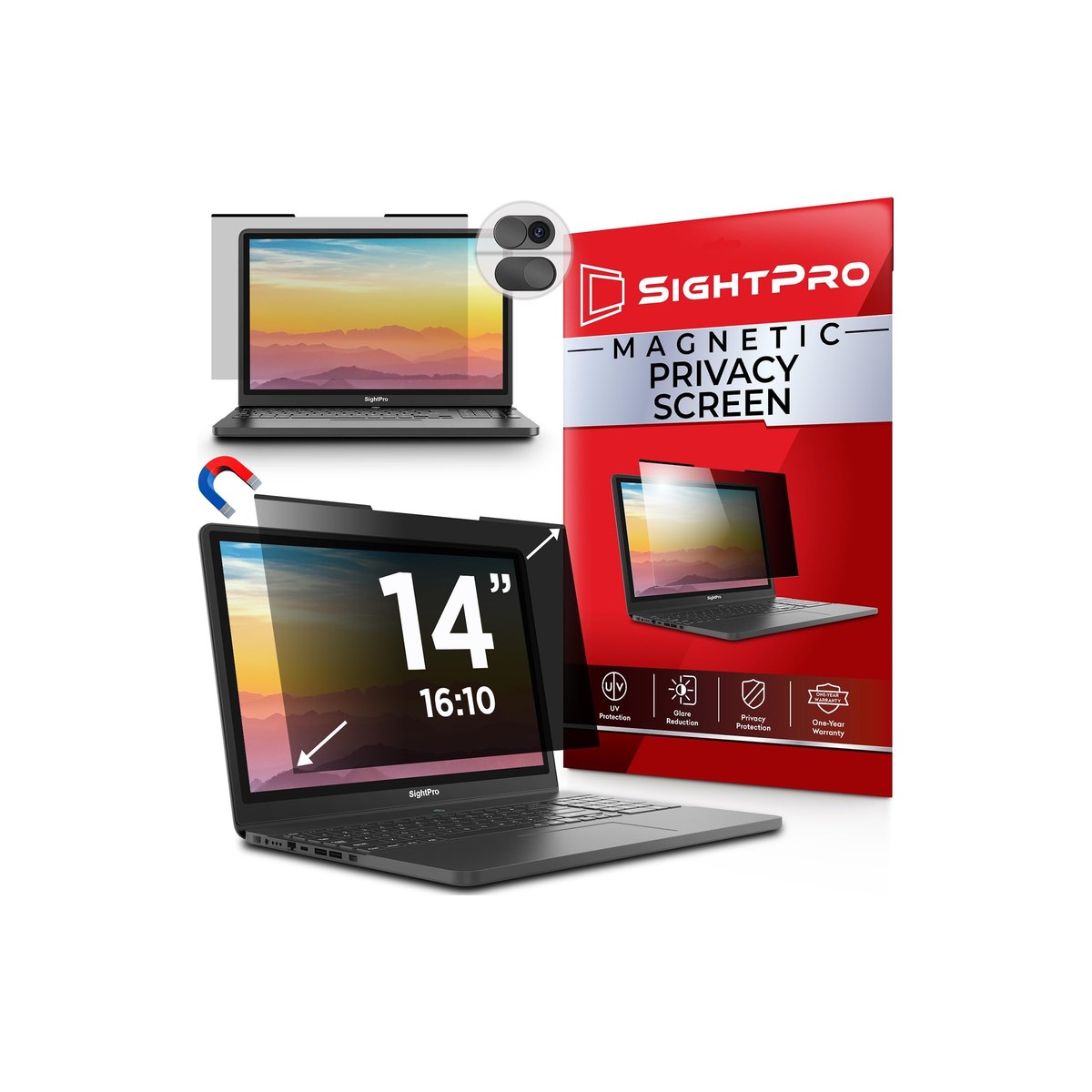
SightPro Magnetic Laptop Privacy Screen 14-inch 16:10
A $35 magnetic filter that snaps off the second you're back in the rig.
Who it's for: the remote worker on a modern 14-inch laptop, the kind of 16:10 panel most current Dell, HP, and Lenovo business machines ship, who works in public on things other people should not read and wants privacy that comes off the moment it is just them in the rig. The pick for someone who values a clean snap-on, snap-off filter over a permanent one, and likes that it guards the screen from scratches in a bag too.
What we found: the SightPro 16:10 is the best-balance pick for this life. You stick slim magnetic strips to the bezel once, then the filter snaps on and pulls off in a second, so you run it in a cafe and take it off in the cabin for a full, bright screen. It is two-way, anti-glare, and doubles as a laptop privacy screen protector against scratches in transit. It rates about 4.3 stars, though that average is across the whole SightPro size range, not this one SKU, so check the count on the exact 16:10 listing. At $35 it undercuts the brand-name filters, but that stick-on magnetic frame is the weak point on any of these.
Bottom line: buy the SightPro 16:10 if your laptop is a modern 14-inch 16:10 machine and you want privacy you can take off the instant you are alone, for $35. Confirm your aspect ratio first, a 16:9 filter will not fit a 16:10 screen. Step up to the Kensington if you want a reversible matte-or-glossy surface and a trusted brand, or grab the MacBook-specific SightPro if you are on a Mac.
- + Magnetic strips: snaps on in the cafe, pulls off in the rig
- + Two-way and anti-glare; doubles as scratch protection when left on in a bag
- + Sized for modern 16:10 panels (most current Dell/HP/Lenovo)
- + About 4.3 stars, on a SightPro line with 5,000+ ratings across sizes
- × The stick-on magnetic frame is the weak point on any of these
- × Two-way only (blocks the sides, not a straight-overhead view)
- × Like every filter, it dims the screen a little
Runner-up: Kensington MagPro Magnetic Laptop Privacy Screen 14-inch 16:10.
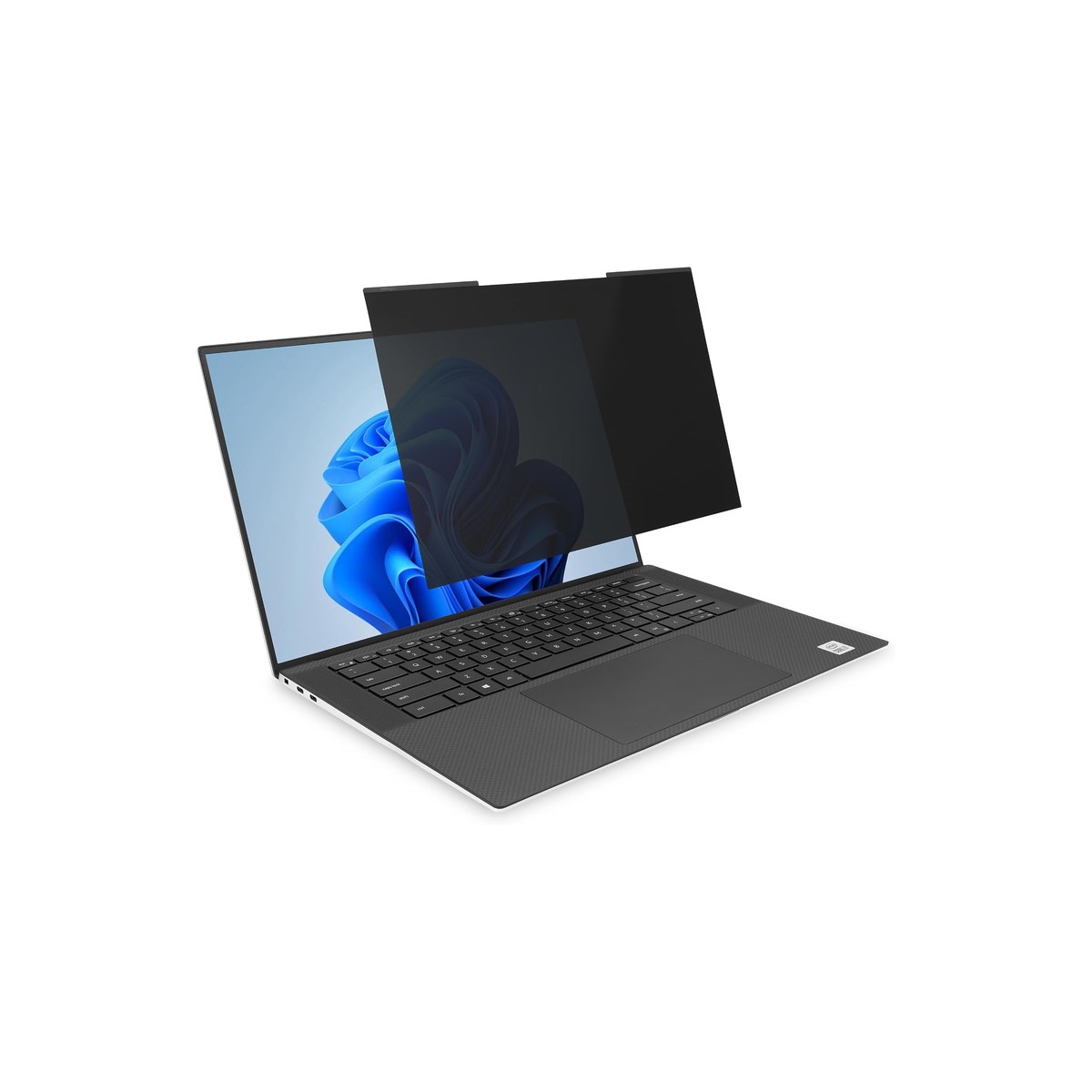
Kensington MagPro Magnetic Laptop Privacy Screen 14-inch 16:10
Reversible matte-or-glossy filter for switching between a sunny cockpit and a dim cabin.
Who it's for: the worker who wants the same snap-off magnetic convenience but will pay more for a finish that adapts to wildly different light, a glaring cockpit at noon and a dim cabin at dusk, and for a brand name they recognize. The pick for someone who works across bright and dark spaces in a single day, wants a reversible matte-or-glossy filter and an antimicrobial coating, and cares that the filter is from a known accessory maker rather than an unbranded listing.
What we found: the Kensington MagPro is the step-up magnetic option, and its real edge is the reversible surface, a matte anti-glare side for sun, a glossy side for color and sharpness, so you flip it to the conditions instead of living with one compromise (the glossy side does show fingerprints, so it is the dim-cabin side, not the sunlit one). It snaps on with magnetic strips, the laptop still closes with it on, and it adds an antimicrobial coating and a webcam cutout. It rates about 4.1 stars across more than 2,000 owners. The honest notes: at $61 it costs nearly double the SightPro, and you must buy the exact 16:9 or 16:10 version.
Bottom line: buy the Kensington MagPro if you move between bright and dim spaces and want to flip between matte and glossy rather than accept one, and you would rather buy a known brand, at $61. If you do not need the reversible surface, the SightPro does the same magnetic job for $26 less and rates a little higher, so pay the Kensington upcharge specifically for the adaptable finish and the brand, not for stronger privacy.
- + Reversible: matte anti-glare side for sun, glossy side for sharpness
- + Magnetic strips; the laptop still closes with it on
- + Low-reflective antimicrobial coating and a webcam cutout
- + From a known accessory brand; explicit 16:9 and 16:10 versions
- × About $61, nearly double the SightPro
- × Rated 4.1 stars, a touch lower than the value picks
- × You must buy the exact 16:9 or 16:10 version for your laptop
Budget pick: Peslv Magnetic Laptop Privacy Screen 15.6-inch 16:9.
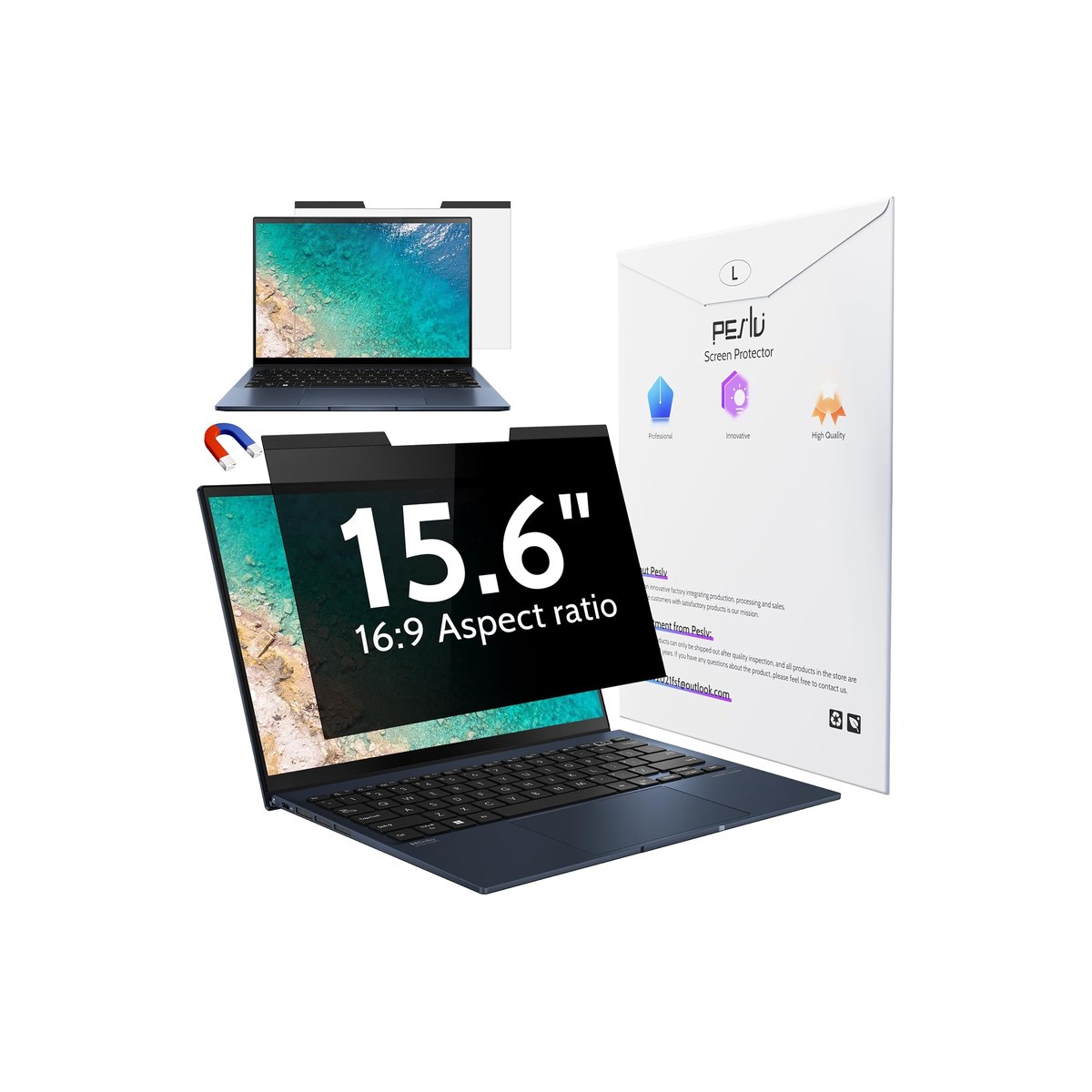
Peslv Magnetic Laptop Privacy Screen 15.6-inch 16:9
The cheapest pick, and the one to get for a 15.6-inch 16:9 laptop.
Who it's for: the worker on a common, often older or cheaper, 15.6-inch 16:9 laptop who wants real shoulder-surf privacy without spending much, and is fine with a no-frills unbranded filter. The pick for someone whose machine is the standard 15.6-inch 16:9 size, who works in public sometimes and not constantly, and who would rather put the savings toward something else as long as the filter genuinely blocks the view from the seat beside them.
What we found: the Peslv is the value champion on owner signal, the cheapest magnetic filter here at about $30 with more than 2,500 ratings, which is deep for a budget product. It snaps on with magnetic strips like the pricier picks, is two-way and anti-glare, and comes sized for the common 15.6-inch 16:9 laptop most budget machines use. The honest catches are the ones you would expect at the price: it rates about 4.0 stars, the lowest here, the coating and dimming are a step below 3M and Kensington, and fit on your specific bezel can vary, so measure and confirm the aspect ratio before you buy.
Bottom line: buy the Peslv if your laptop is a standard 15.6-inch 16:9 and you want solid magnetic privacy for the least money, at about $30. It is not as refined as the SightPro or Kensington, but for occasional public work it does the core job. If your laptop is a modern 16:10 machine, this is the wrong shape, get the SightPro 16:10 instead, and confirm your size and aspect before ordering.
- + Cheapest magnetic filter here at about $30
- + More than 2,500 ratings, deep for a budget product
- + Sized for the common 15.6-inch 16:9 laptop
- + Snaps on with magnetic strips; two-way, anti-glare
- × Rated 4.0 stars, the lowest here
- × Coating and dimming are a step below 3M and Kensington
- × Fit on your specific bezel can vary; measure first
Also worth considering.
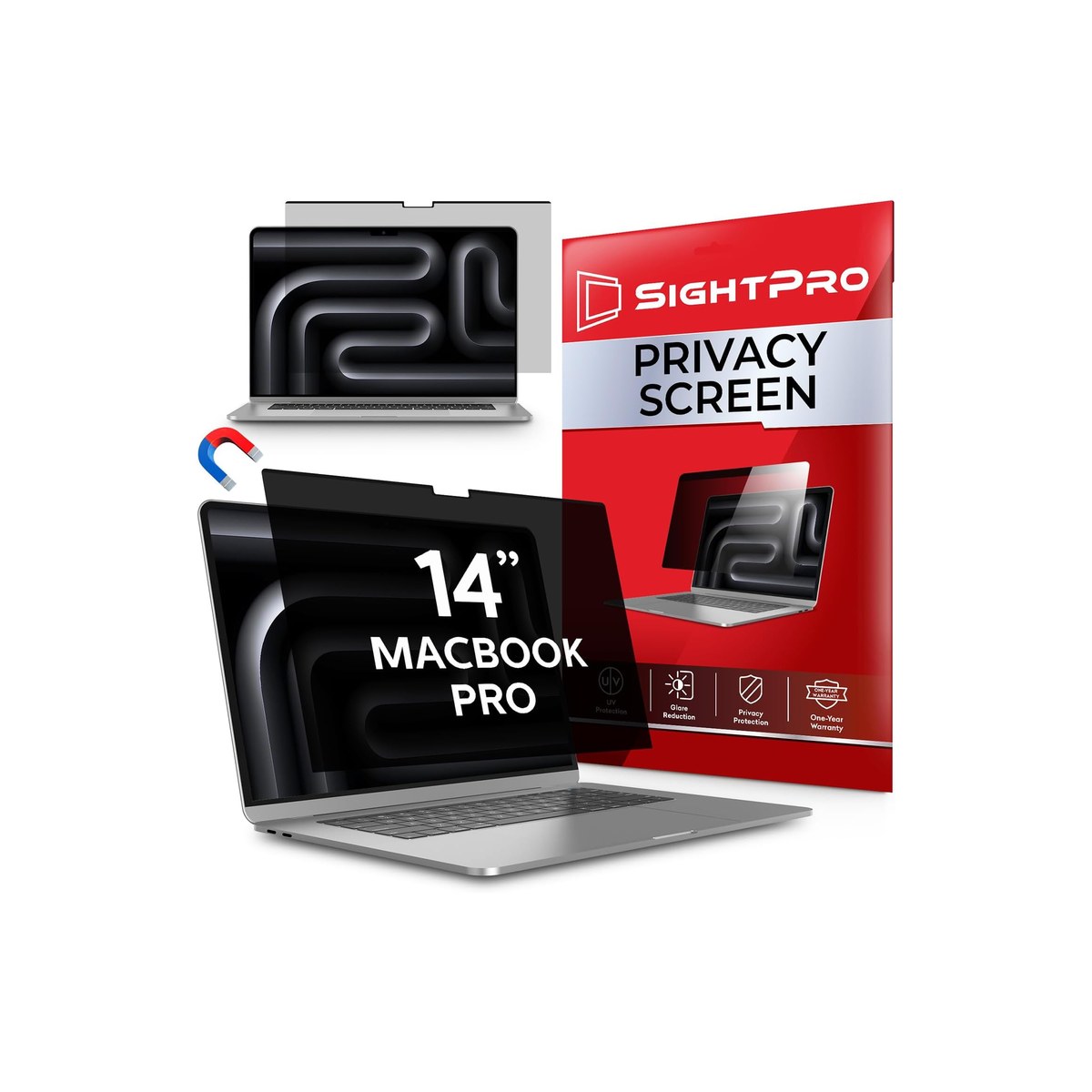
SightPro Magnetic Privacy Screen for MacBook Pro 14-inch
The MacBook-native version of our top pick, cut for your exact Mac.
Who it's for: the MacBook owner who works in public and needs a filter cut for their exact Mac, with the notch cleared and the Mac's own magnets doing the holding. The pick for someone on a MacBook Pro 14-inch, or one of the many Air and Pro sizes SightPro makes this for, who wants the same snap-off magnetic convenience as the PC pick, fitted properly to an Apple panel instead of forced onto a generic rectangle.
What we found: this is the MacBook-native version of our top pick, a removable magnetic filter sized per Mac model with a die-cut notch cutout, so it sits flush and the lid still closes. It is two-way, anti-glare, doubles as a screen protector, and rides on the same SightPro line, whose thousands of ratings sit at about 4.3 stars across many models, so check the count on your exact Mac SKU. At about $30 it is the value Mac option against pricier brand filters. The honest notes: you must pick the exact MacBook model and year, and the glossy side shows fingerprints, so wipe it or run the matte side.
Bottom line: buy the SightPro for MacBook if you are on a Mac and want a properly fitted, removable filter for about $30, just select your exact model so the notch and bezel line up. It does everything our PC top pick does, on the right shape for Apple. If you would rather have a known accessory brand on your Mac, the Kensington MacBook version is the alternative at a higher price.
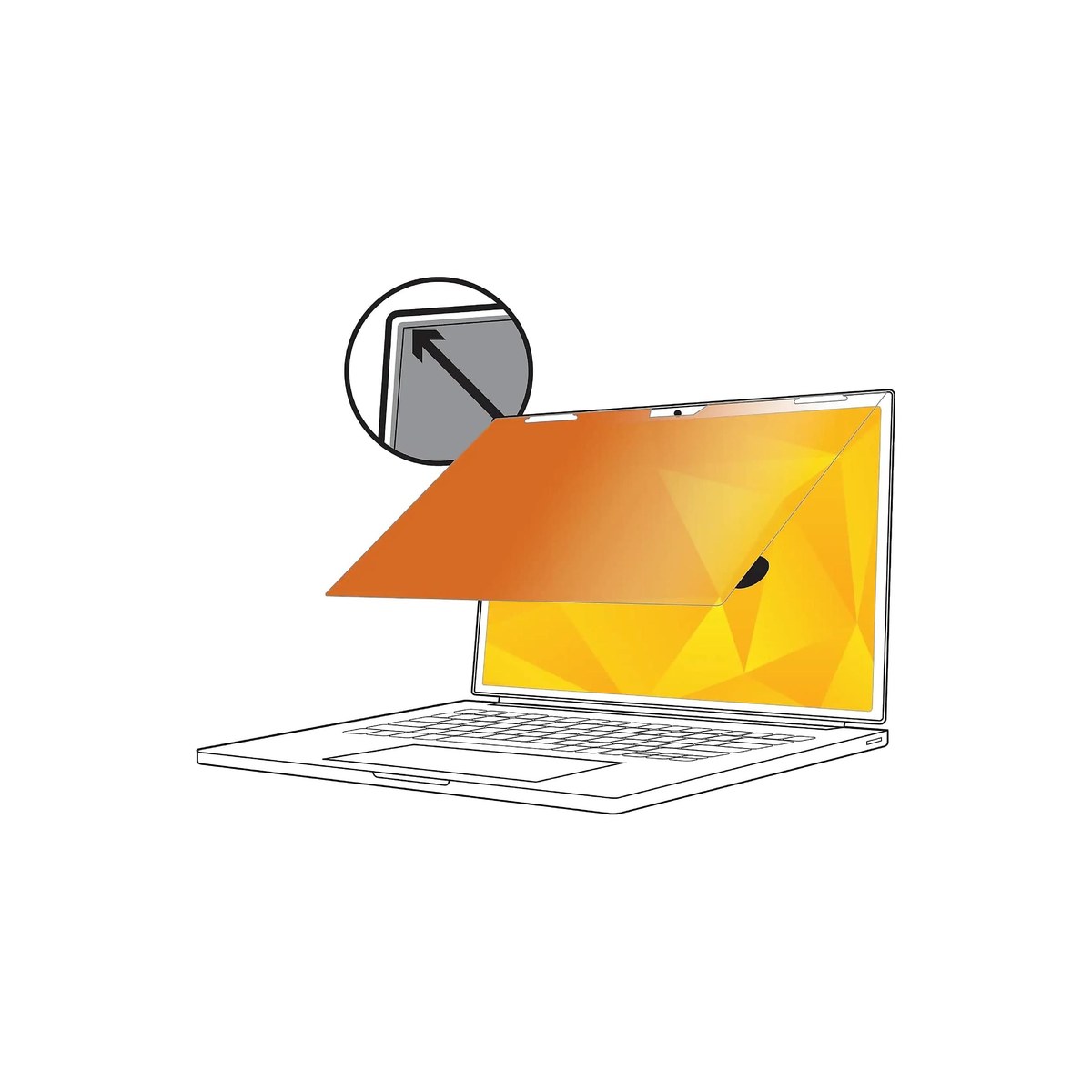
3M Gold Frameless Privacy Filter 14-inch 16:9
The gold-standard filter from the company that invented the category.
Who it's for: the worker who keeps a privacy filter on essentially all the time, in an office, a lounge, a shared workspace, and wants the best optical privacy money buys, from 3M, which pioneered the microlouver privacy filter. The pick for someone who will not be snapping it on and off, prioritizes the cleanest, strongest microlouver privacy, and does not mind a permanent, adhesive-mount filter or paying for the name 3M.
What we found: the 3M Gold is the reference laptop privacy screen, with a gold-tinted microlouver that is brighter and clearer to look through than a black filter while still blacking out the side view, which is why finance, healthcare, and government desks have used 3M for years. It mounts with adhesive tabs and carries over 1,000 ratings at about 4.2 stars. The honest catches make it an also-ran for this audience, not the pick: at about $90 it is by far the most expensive, the gold tint shifts color so it is wrong for photo or video work, the adhesive mount is not snap-off, this version is 16:9 only, and it ships in a few days rather than instantly.
Bottom line: buy the 3M Gold if you leave a filter on all day and want the gold-standard optics from 3M, still the reference brand for filters, and you have a 16:9 laptop, at about $90. For a rig worker who wants privacy in public and full brightness back home, a removable magnetic filter fits better and costs far less, so choose the 3M specifically for all-day, leave-it-on use, not for snap-off convenience.
Skip this guide if...
You only ever work alone in the rig or at home, or your laptop never opens where a stranger can see it. A privacy filter dims your screen and softens it slightly, because you are looking through the same micro-louvers, so if there is no one beside or behind you, it is a tax for a threat that is not there. It earns its place the moment you regularly work on client, financial, or health data in public, a cafe, a coworking desk, a lounge, a plane, where the person next to you can read your screen and you are obligated not to let them.
Don't bother with.
- × Skip A full-adhesive stick-on privacy filmThe cheapest filters glue to the whole screen instead of snapping on. For a rig worker that is the wrong call: it traps dust and bubbles, it is hard to remove cleanly, and a full-surface adhesive can pull coating off the panel or leave residue. Worse, you cannot take it off in the cabin to get your full, bright screen back. Buy a removable magnetic or slide-in filter instead, so privacy is something you add in public and remove when it is just you.
- × Skip Any filter for a touchscreen 2-in-1 that is not touch-ratedMost privacy filters are not tuned for touch, so on a convertible they make the screen feel laggy and rough to swipe. If you work on a touchscreen laptop, do not buy a generic filter, buy one that explicitly states touchscreen compatibility (3M makes a dedicated touch line). Otherwise you trade privacy for a touchscreen that no longer feels right, which you will notice every time you use it.
- × Skip A listing that only says "14 inch" with no aspect ratioThe single most common privacy-filter mistake is buying the right diagonal but the wrong aspect ratio. A listing that says 14 inch without telling you 16:9 or 16:10 is a fit landmine, and some brands reuse near-identical titles across both shapes. Do not order until the listing states the aspect ratio and it matches your laptop, or you will get a filter that leaves a strip of screen exposed or overhangs the bezel.
How we picked.
How we picked, and why we don't claim to test
We don't run a lab. We read the owner-review signal across Amazon and the maker specs, weighted for working in public from a rig, and ranked five by what matters on the move: whether it comes off cleanly when you no longer need it, whether it is sized in the exact aspect ratio your laptop uses, how well it blocks the side view, how much it dims the screen, and value. We verified every pick was in stock at a current price the day we published. We left out full-adhesive stick-on films, no-name single-listing filters with thin or troubled reviews, and aspect-ambiguous listings, and we only picked filters that match a real, stated size and aspect so they actually fit.
Why fit and removability beat every other spec
The first thing that matters is fit, and it is the thing most buyers get wrong. A privacy filter is cut to a precise diagonal and a precise aspect ratio, so a 14-inch 16:9 filter is a physically different rectangle from a 14-inch 16:10 one. Most current Dell, HP, Lenovo, and Surface laptops are 16:10 or taller; older and budget machines are usually 16:9; MacBooks need a model-specific cut with a notch cutout. Before you buy anything, find your aspect: note whether your screen has a raised bezel or flat edge-to-edge glass, measure the display, and divide width by height (about 1.78 is 16:9, about 1.60 is 16:10). Match that, or the filter will leave screen exposed or overhang the frame.
The second thing is whether it comes off. Every privacy filter dims the screen and softens it a little, because you are looking through the same micro-louvers that block everyone else. In a bright cafe that is fine, but off-grid it costs you twice: a dim cabin makes a dimmed screen harder to read, and cranking brightness to compensate burns battery you may not have. That is why a removable magnetic filter, not a glued-on one, is the honest answer for this life, privacy when you are exposed, the unfiltered panel back when it is just you. And know what a louver filter can and cannot do: a standard two-way blocks the people beside you, which is the cafe, coworking, and seatmate threat, but no filter reliably stops someone directly behind and above you looking down, the hardest angle for any microlouver. A four-way filter adds top-and-bottom blocking, but that mainly matters when you rotate a screen to portrait and is rare in laptop sizes, so for a flight your real protection is low brightness, a steep screen tilt, and a seat where no one is over your shoulder.
What our scores mean, and a note on the picks
Our scores are our editorial read of how consistent the owner signal is and how well each filter fits working in public from a rig, out of 10, not the Amazon star average and not lab measurements, so treat a gap of a few tenths as a tie. Two honest notes. The SightPro for MacBook scores higher than the budget Peslv but sits in our also-considered tier, not because it is worse, it is as good as our top pick, but because it fits only MacBook owners, so it serves a narrower audience. And the 3M Gold scores lowest for this audience despite being the best-made filter here, because its adhesive mount, gold color shift, and $90 price suit an all-day office user, not a rig worker who wants to snap privacy on and off. We name the better-suited alternative on every pick so brand is never the reason to buy.
FAQs.
Q01 How do I know if my laptop is 16:9 or 16:10, and will the wrong one fit?
+
Q02 Does a laptop privacy screen make the screen darker or harder to read?
+
Q03 Can I take the privacy screen off when I am not in public?
+
Q04 Do I need a four-way privacy screen on a plane?
+
Q05 Does a laptop privacy screen work on a MacBook or a touchscreen?
+
If you, then this.
- IF your laptop is a modern 14-inch 16:10 and you want privacy you can snap offGET SightPro 16:10$35 →
- IF you switch between a sunny cockpit and a dim cabin and want a reversible surfaceGET Kensington MagPro$61 →
- IF your laptop is a common 15.6-inch 16:9 and you want the lowest priceGET Peslv 16:9$30 →
- IF you work on a MacBook and want a model-cut filter with the notch clearedGET SightPro for MacBook$30 →
- IF you leave a filter on all day and want gold-standard optics on a 16:9 laptopGET 3M Gold$90 →
Work-from-Anywhere Gear: The Complete Guide
The whole mobile-office picture →Every system in a work-from-anywhere setup, organized in one place, with the foundation every remote worker needs and the one guide we trust for each.